
Your compliance training now tracks your wanted level
Mandatory training for new residents of Palmetto Bay, a fictional neon crime city. Get an answer wrong and the stars start climbing. Under the jokes is a serious SCORM 1.2 and 2004 build: play it in your browser, then download both packages and see what your own LMS records.
Plays on SCORM Lab in a new tab. No email, no sign-up.
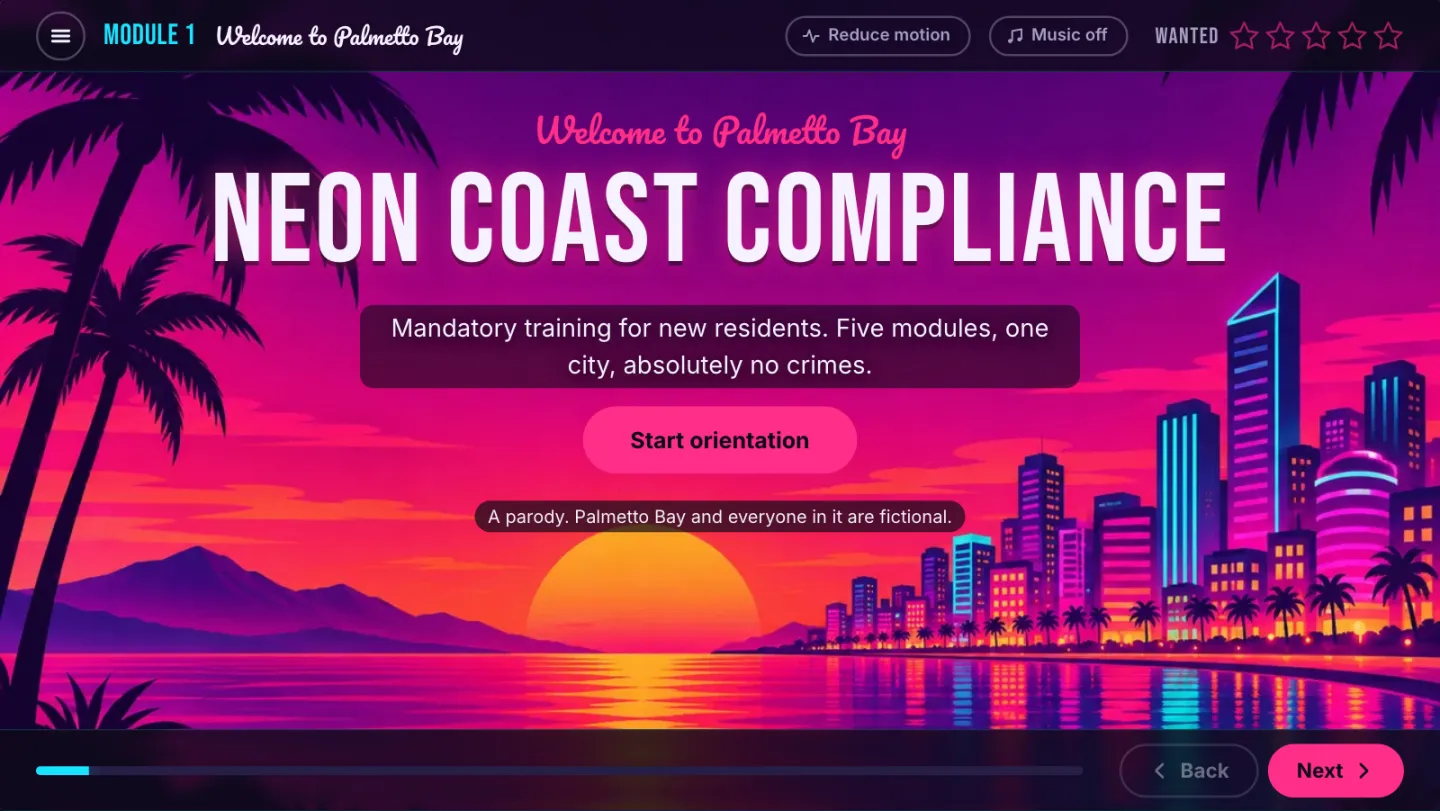
A parody. Palmetto Bay and everyone in it are fictional, and all the artwork is original.
Take it home to your own LMS
Both packages, free: SCORM 1.2 and SCORM 2004 4th Edition, about 2.8 MB each. Upload one, play it through, fail the final once on purpose, then open your LMS reports. That's where the real demo is.
In the download
- ✓Two zips: SCORM 1.2 and SCORM 2004 4th Edition, with imsmanifest.xml at the root
- ✓Plain HTML, CSS and JavaScript: no framework, no build step, no external requests
- ✓Mastery score of 80% set in the manifest and read back from the LMS
- ✓Tested end to end in a validating SCORM runtime: 60 of 60 checks passed, zero API errors
Watch every SCORM call as it happens
A run-through of the SCORM 2004 package in a test LMS. Along the bottom is the course's own SCORM API log: every GetValue, SetValue and Commit, with its return value and error code, plus the size of suspend_data. In the course, press Ctrl+Shift+D to open the same panel.
What the video shows (it has no sound)
- The course reads the learner's name from the LMS and asks them to pick a neighbourhood.
- Module 2: vehicles are dropped on spots on the city map. Wrong drops add wanted stars.
- Module 3: the car wash scenario starts, then the course is closed and relaunched. It offers to resume at decision 2 of 4, with name, avatar and wanted level intact.
- Module 4: a team-conduct question, then the vault dial minigame.
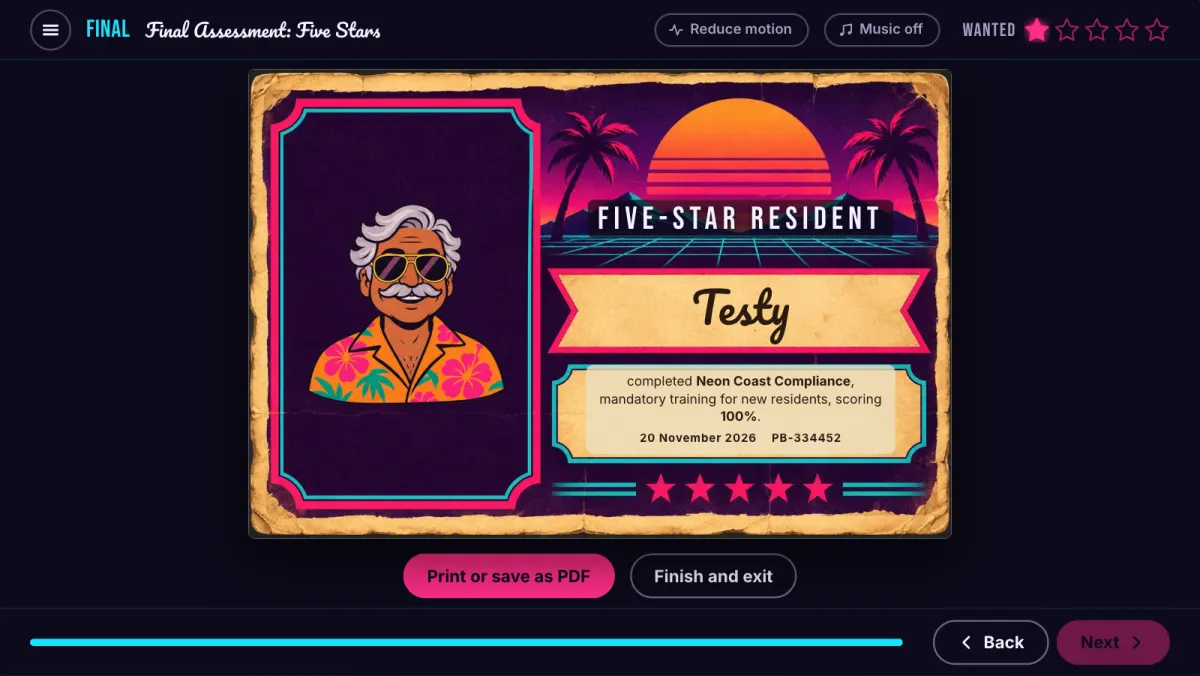
- The final assessment: a question drawn from the bank, then the printable certificate.
- Throughout, the SCORM API log along the bottom lists each call and its result.
Every joke is doing a SCORM job
Each module is built around a different kind of interaction, so each one sends the LMS something different.
What it proves, and what your LMS sees
Most demo courses show you slides. This one is built to show you the data. Upload it and you can check, in your own LMS, whether it reports what you need before you commission anything.
| Module | What the learner does | What the LMS gets |
|---|---|---|
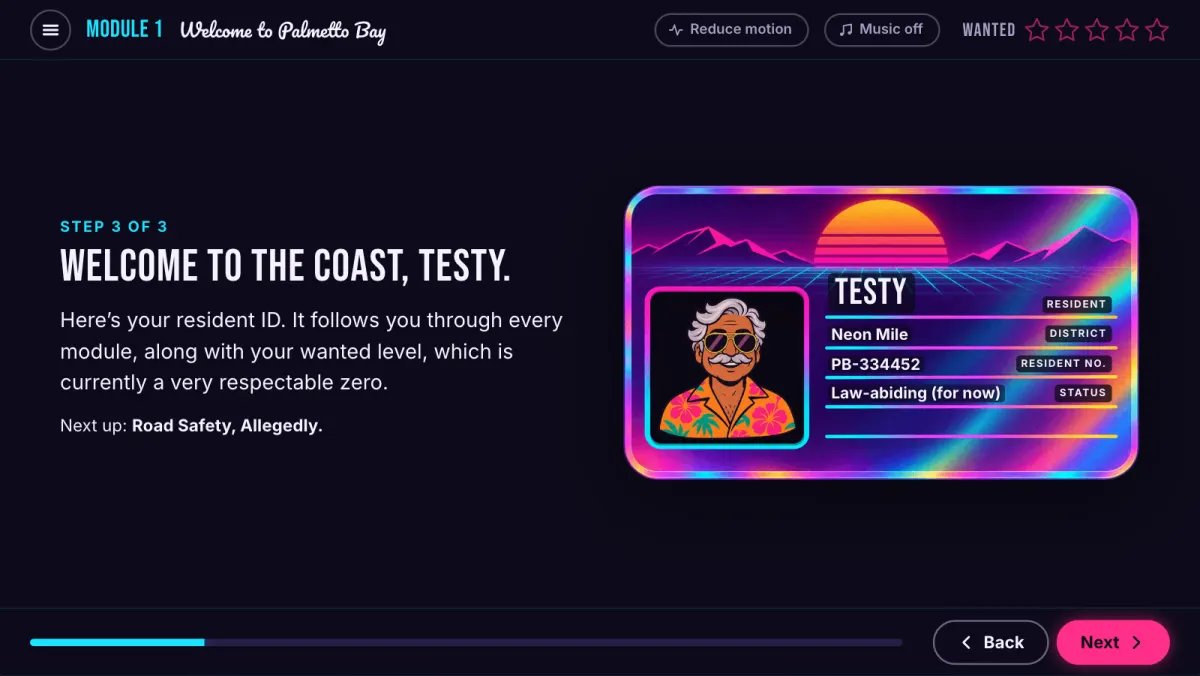
| 1 Welcome | Confirms their name, picks a neighbourhood and an avatar, gets a resident ID card. | Name read from cmi.core.student_name (1.2) or cmi.learner_name (2004); choices saved in suspend_data. |
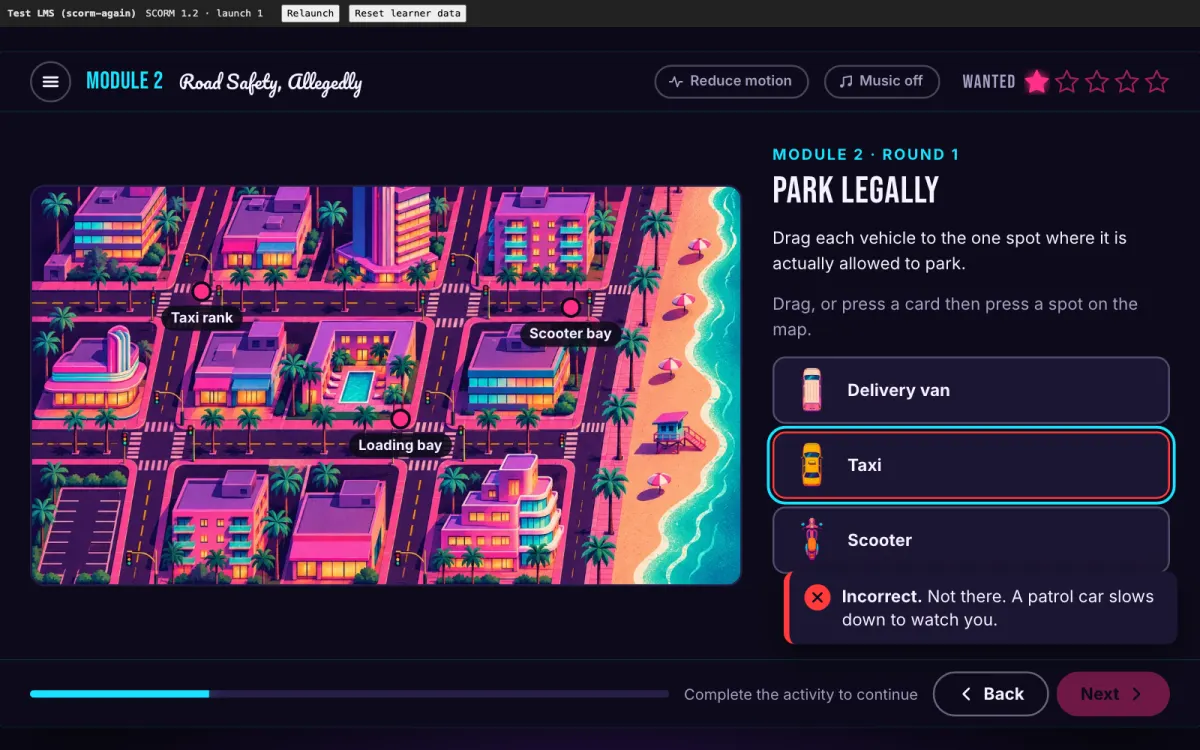
| 2 Road Safety | Three drag-and-drop rounds on the city map, by pointer or keyboard. | Every drop is a separate matching interaction with response, result, latency and timestamp. |
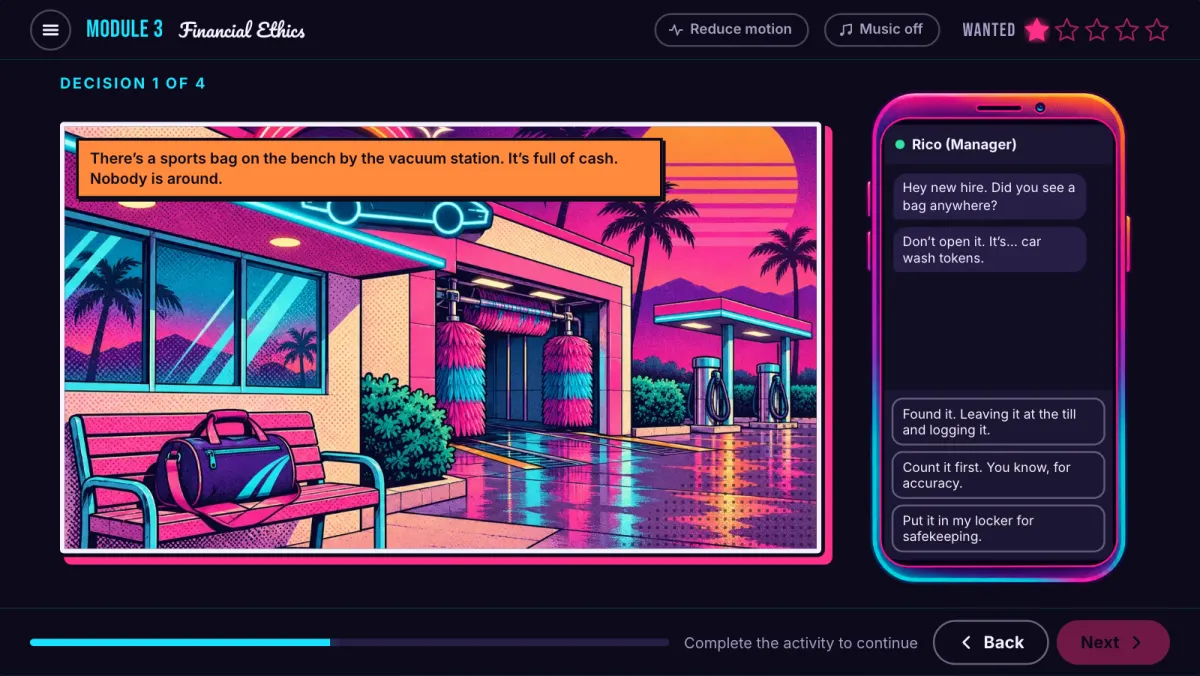
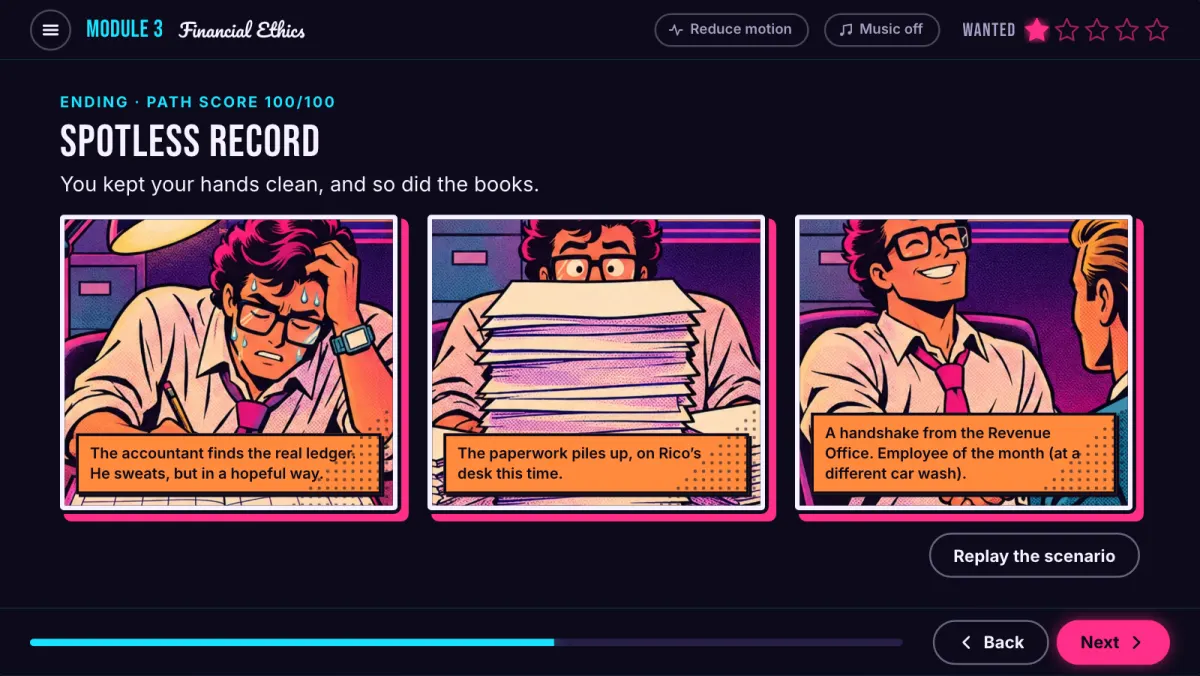
| 3 Financial Ethics | A branching scenario with four decisions and three endings. | A path score, and a bookmark at every decision (cmi.location) so a relaunch lands mid-branch. |
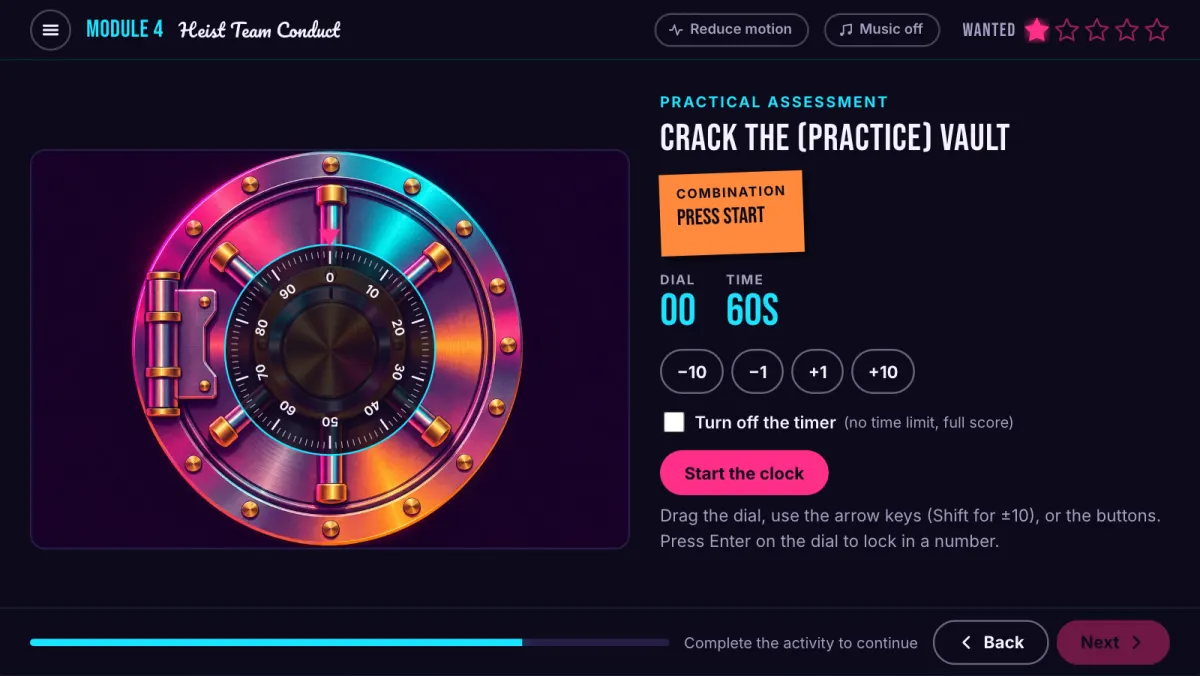
| 4 Heist Conduct | Three soft-skill questions, then the vault dial minigame (60 seconds, or untimed). | The minigame's 0–100 score as a performance interaction. |
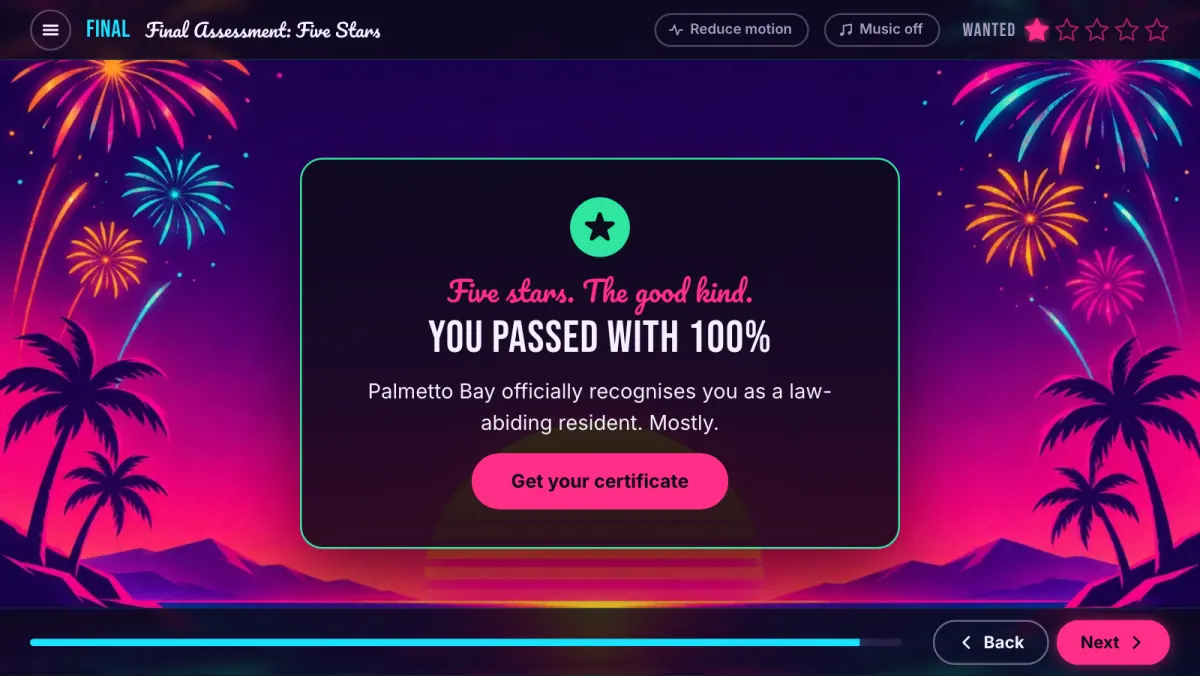
| Final: Five Stars | Ten questions from a bank of 25, up to three attempts, then a certificate. | Score and pass/fail against the manifest's mastery score; in 2004, completion and success reported separately. |
Resume that really resumes: quit in the middle of a branch, relaunch, and the learner is asked whether to pick up at the same decision, with their name, avatar and wanted level intact.
Interaction-level reporting: choice, matching and performance interactions, so your LMS report shows what people did, not just that they finished.
Pass and complete are different things: SCORM 2004 completion moves from incomplete to completed, and success from failed to passed, as separate fields. Fail once to watch both.
Small, safe suspend_data: about 300 characters of compact JSON, hard-capped at 4,096, so it fits the SCORM 1.2 limit.
Clean session handling: commits on every slide change, terminates exactly once, and on a 2004 first launch it doesn't read data that would return error 403.
Tested in a validating runtime: both packages run end to end in a scorm-again test LMS: 60 of 60 checks, zero API errors, no external network requests.
A heist you can finish with a keyboard
The target is WCAG 2.2 AA, and an automated test checks every slide in both SCORM versions on each run.
- ✓Automated checks on every slide: axe-core with the WCAG 2.0, 2.1 and 2.2 A and AA rules, including target size, in both SCORM versions.
- ✓Contrast over artwork: something axe can't measure. The test compares each piece of text against the pixels behind it.
- ✓Reflow at 400% zoom: the 16:9 stage turns into an ordinary scrolling page, one column on narrow screens, tested at 320 px wide.
- ✓Text spacing: with WCAG 1.4.12 spacing applied, slides scroll instead of cutting text off.
- ✓Keyboard-only playthrough: the test plays the whole course by keyboard, map and vault included. Every drag has a press-then-place alternative, and focus is never hidden behind a toast or sticky bar.
- ✓Timing and motion: the vault timer can be switched off with no loss of marks, reduced motion follows the OS setting, and music is off by default.
Not verified yet
- No real screen-reader session (VoiceOver, NVDA or JAWS) has been run yet.
- No switch-access or voice-control testing.
- It isn't a formal audit, and there is no VPAT.
Need that level of assurance for your own courses? See accessible SCORM audits and builds.

Want a Course Your LMS Can Actually Report On?
Custom-coded SCORM courses with your branding, your scenarios and tracking you can check. Neon Coast is the proof of concept; yours can be less felonious.